Appearance
PAU 1 Onboarding
As PAU 1 you will receive an email inviting you to start your registration. This email triggers the platform onboarding for Synthix Flow. You will receive this in the PAU 1 email mentioned in the Synthix Flow onboarding form.
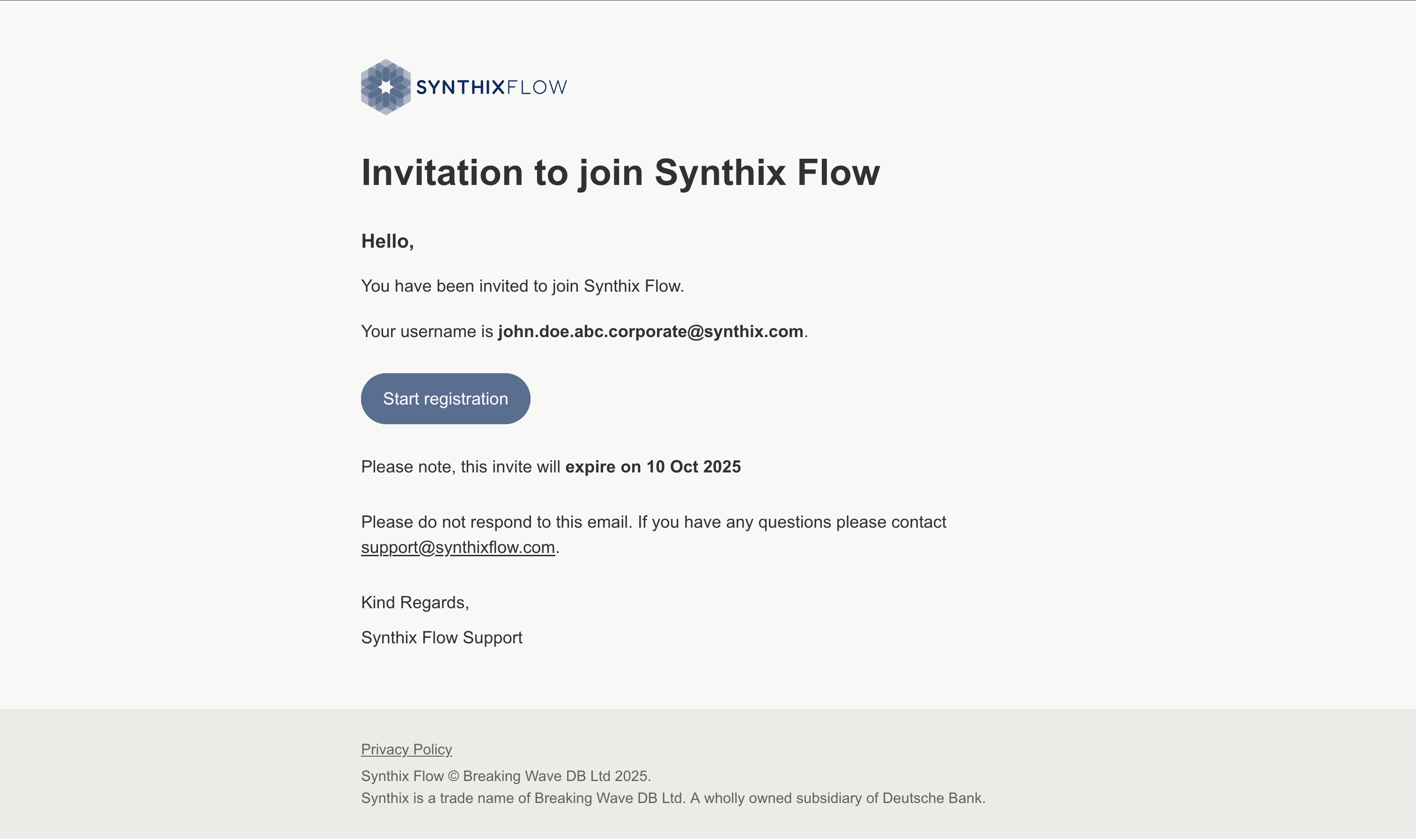
Click the "Start Registration" button to begin the onboarding. The journey can be resumed at any point in time as long as the invite is not rejected or expired.
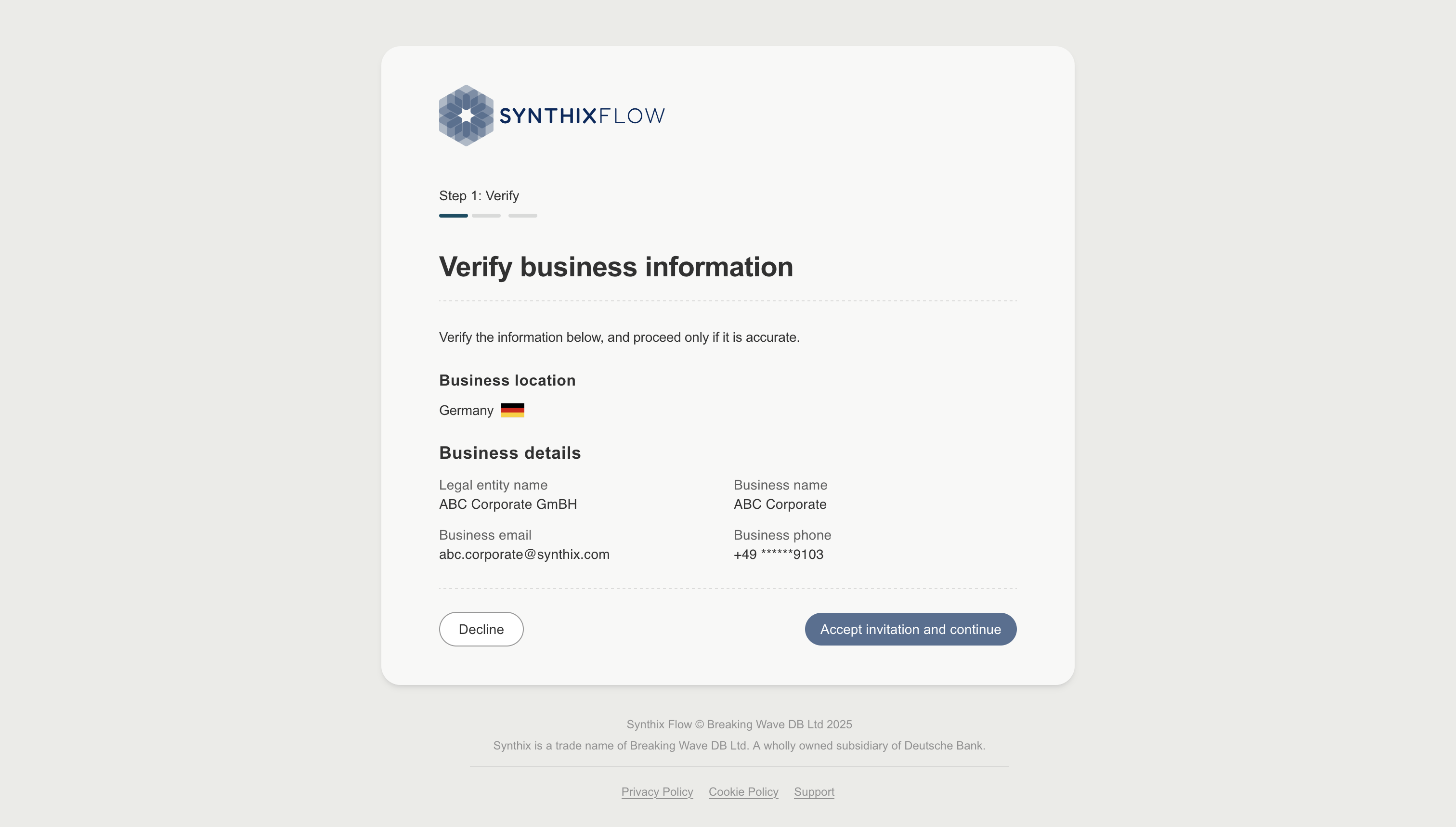
Accepting your invitation
If any of the information is incorrect then you should decline the invitation so we can issue a new invitation link.
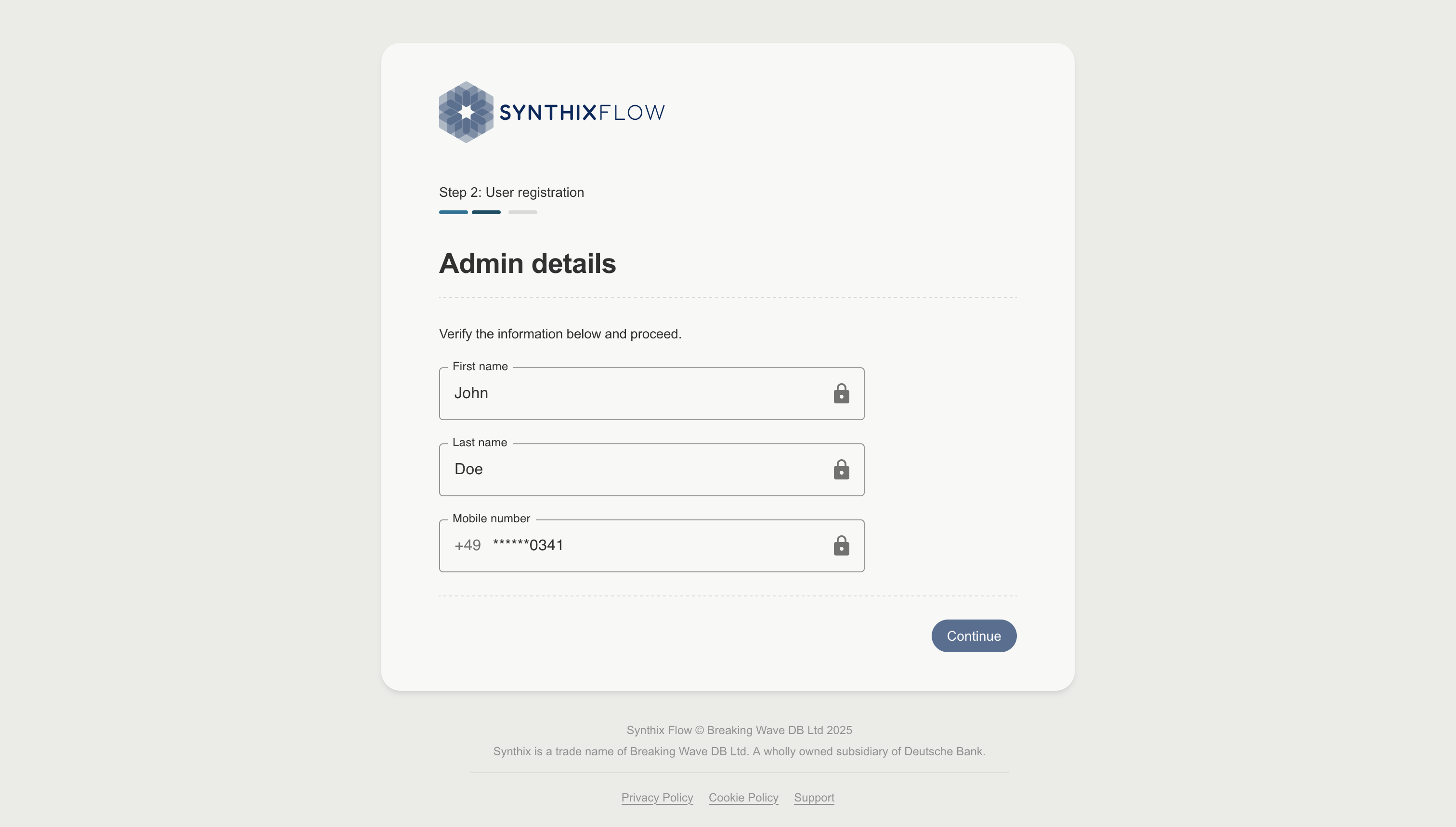
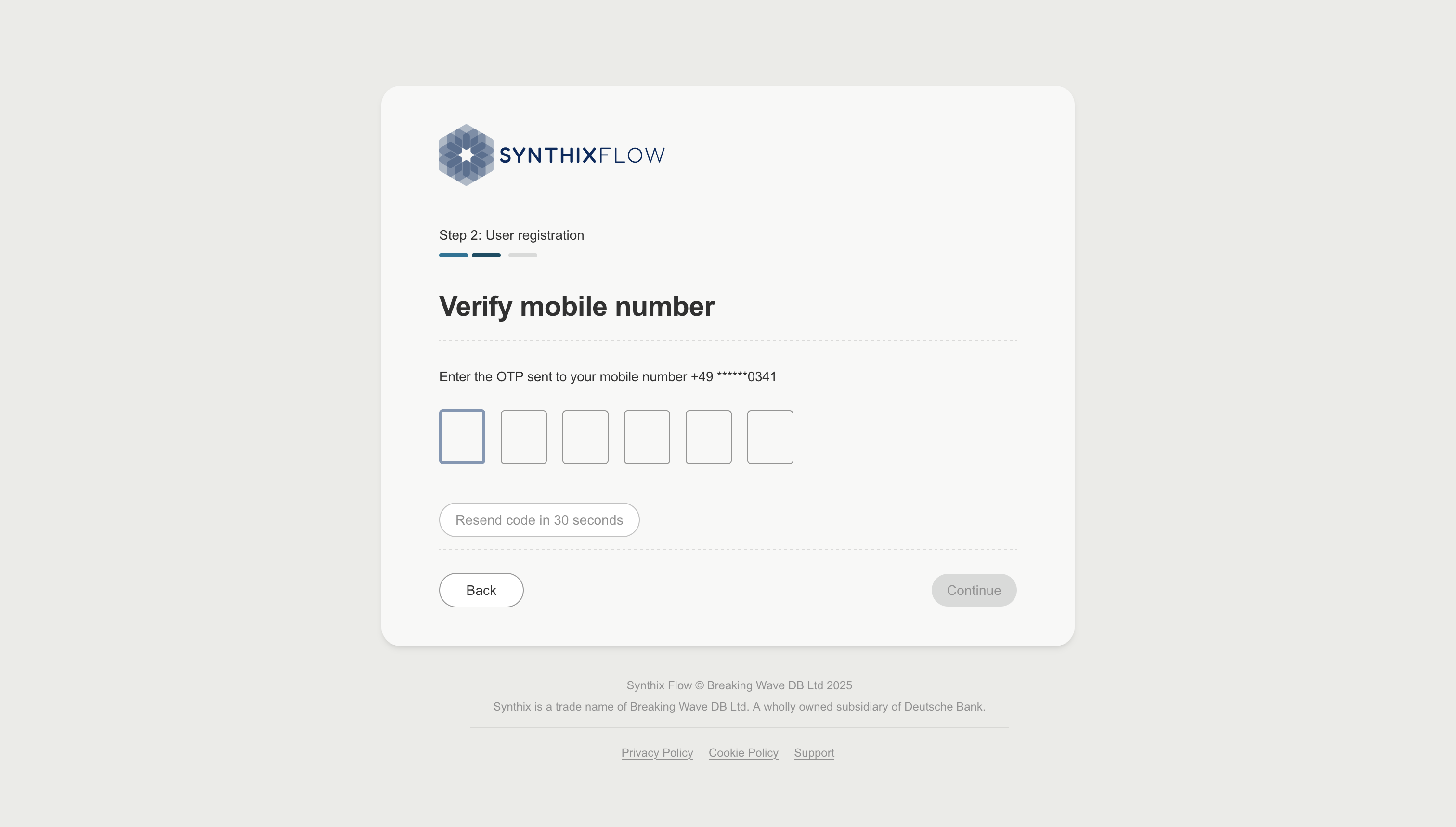
Verifying your phone number
You will then be asked to verify your mobile number using a One Time Password (OTP) that will be sent via SMS to you mobile number. This is required to authenticate you before you can create your login password and setup Two-Factor Authentication (2FA).
You can come back to your onboarding as the long as the invite link is still active.
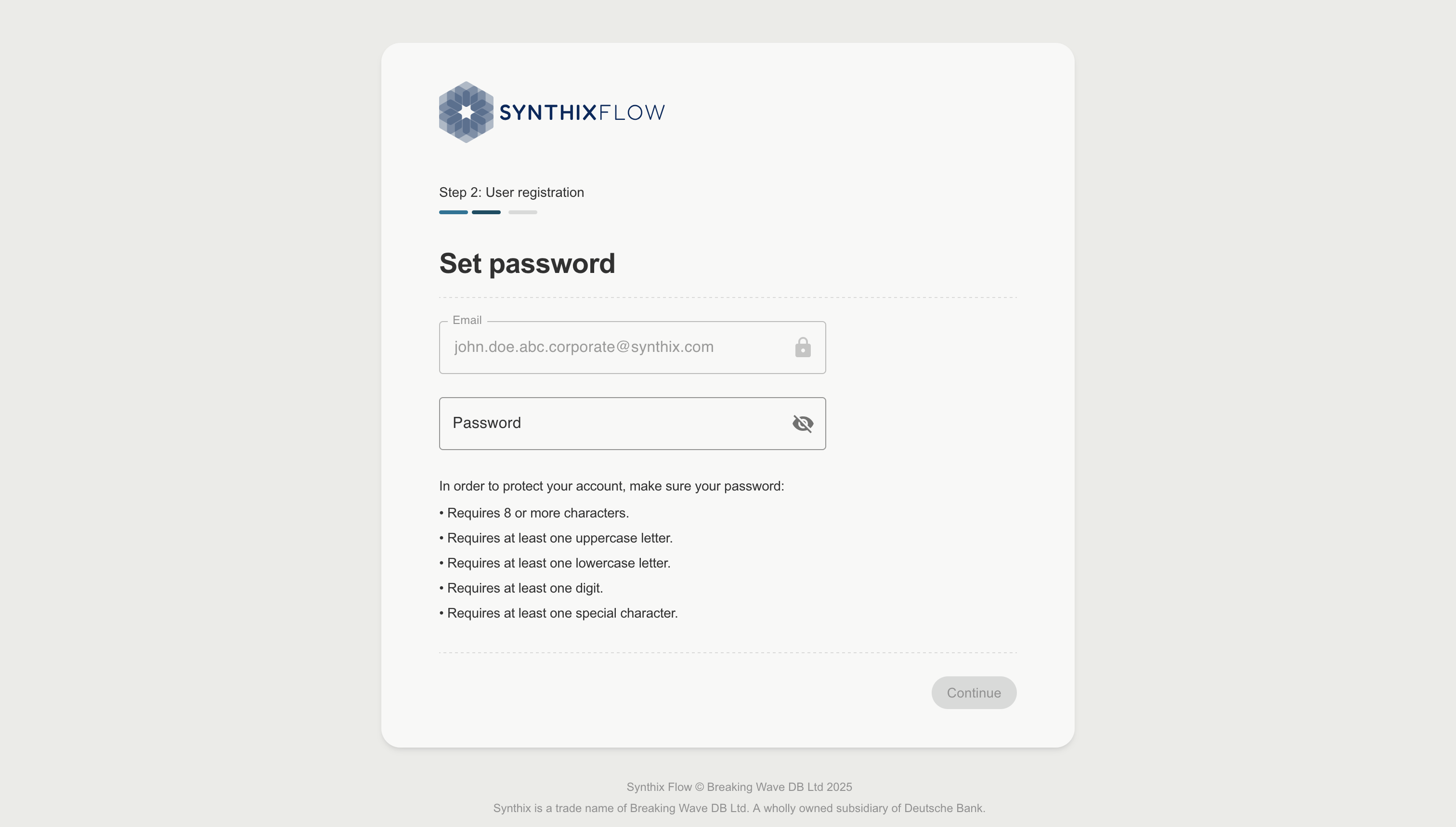
Setting your password
Once you've verified your mobile number with the OTP, you will then be prompted to set a login password. This password will be used to log into the Synthix Flow platform.
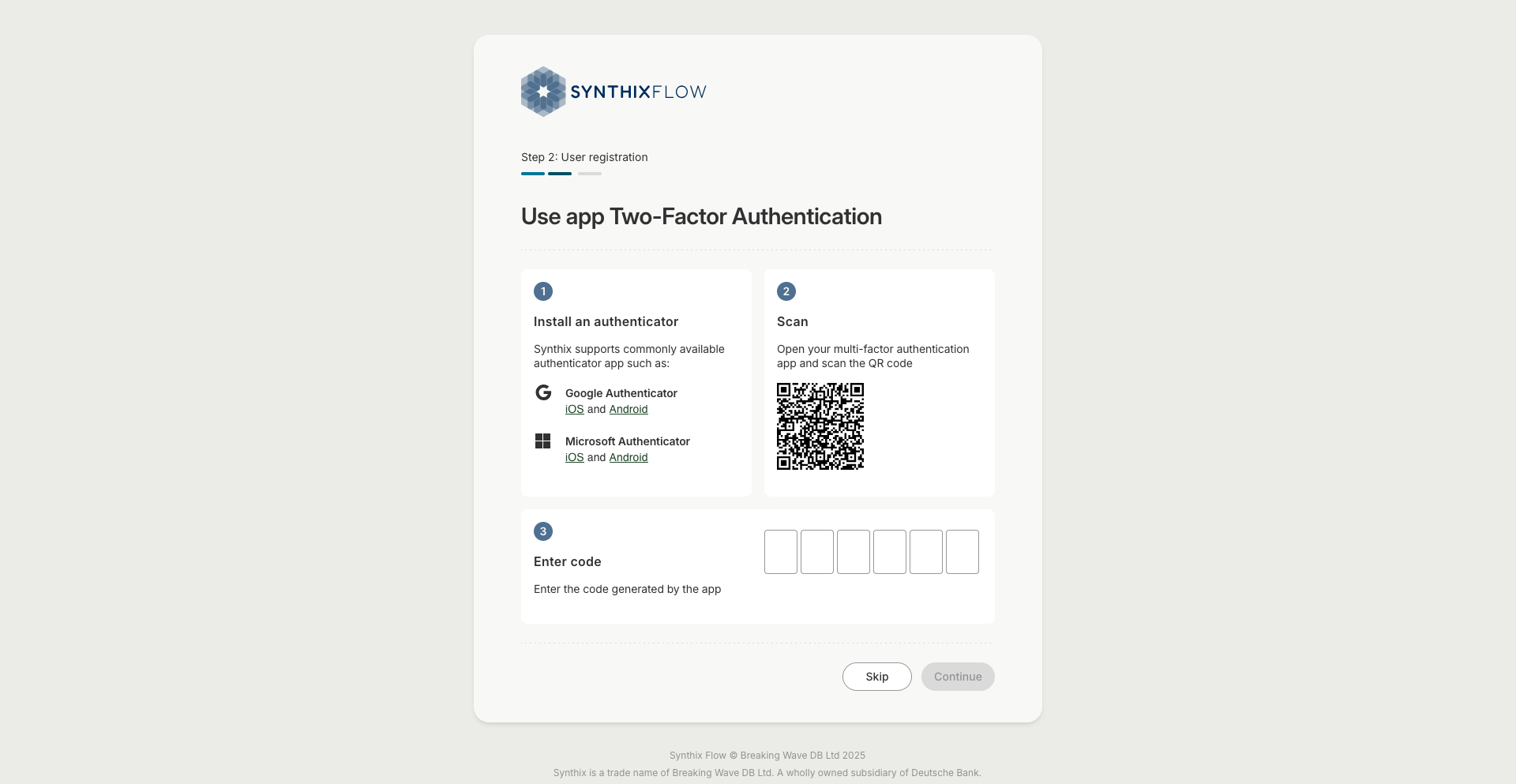
Setting up an authenticator app (optional)
You now have the option to set up an authenticator app, or skip this step and choose an alternative Two-Factor Authentication (2FA) method.
To set up the your authenticator app, scan the displayed QR code. After you scan the QR code, your authenticator app generates a unique verification code that changes every 30 seconds. When you log in, you enter this code to confirm your identity and securely access your account.
Choosing a preferred 2FA method
You must then choose your preferred 2FA method. You can choose to use the Authenticator app as your preferred 2FA method if you have set this up. If not, select either email or phone options. 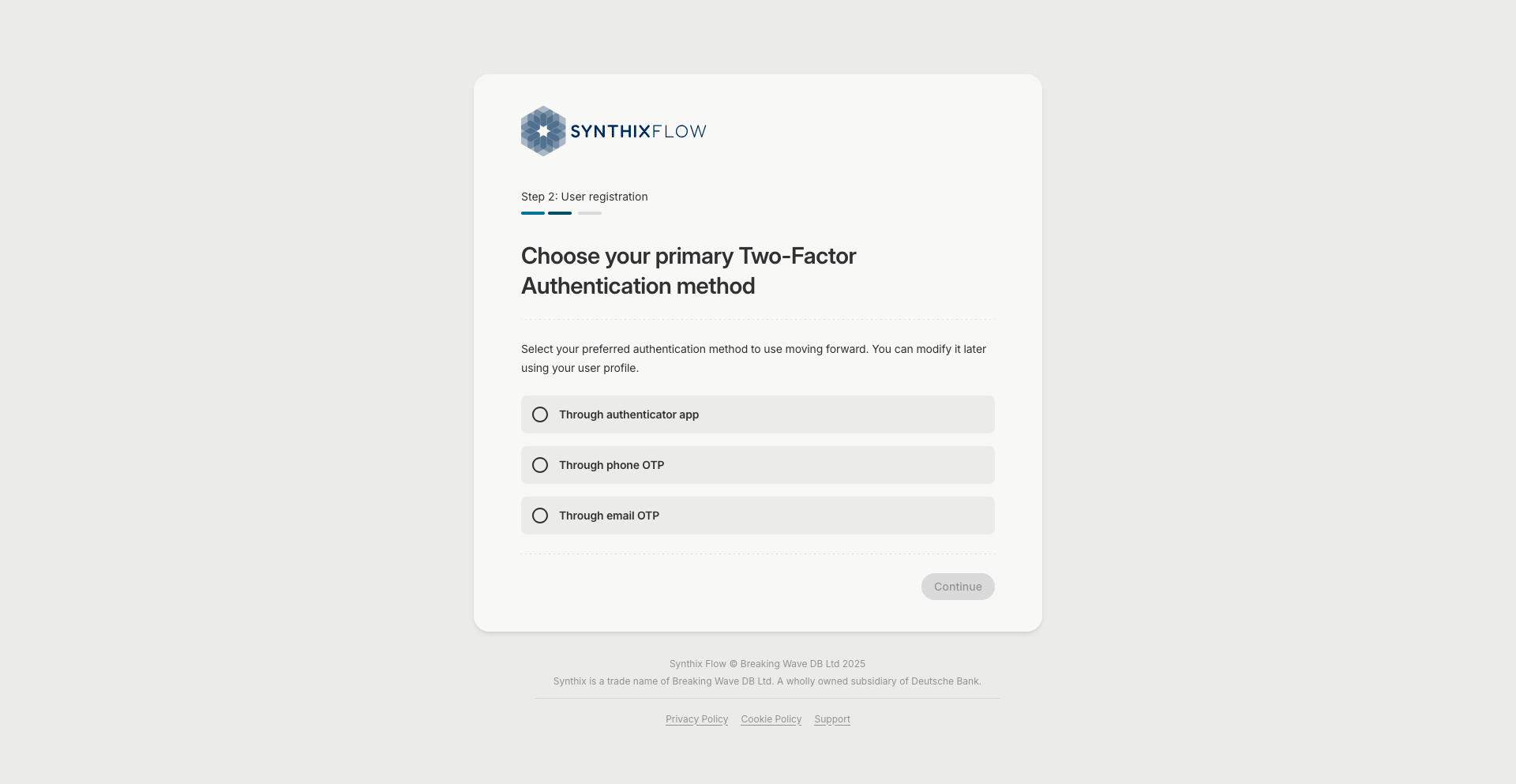
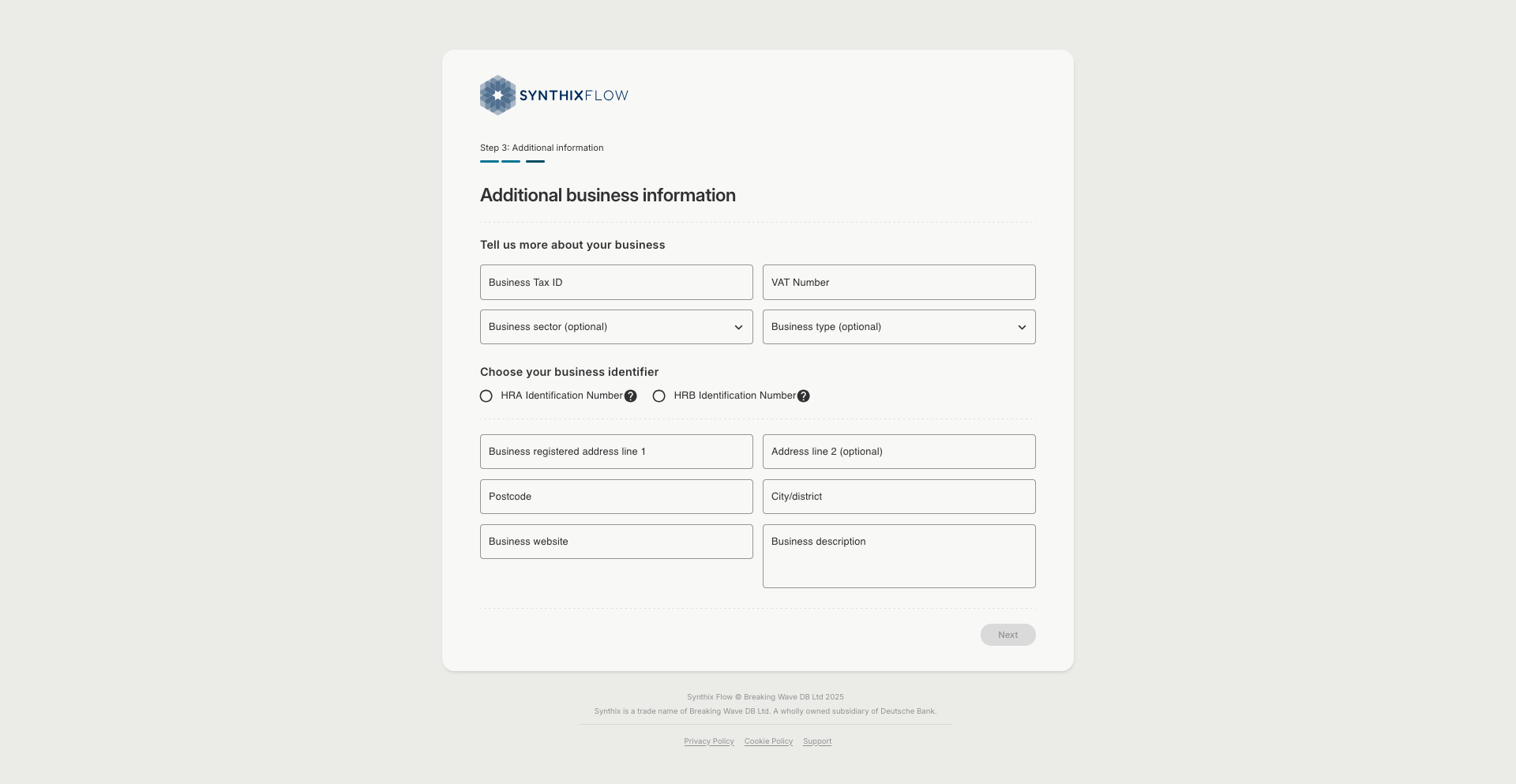
Entering your business information
Add your business information. This will be verified against your onboarding form.
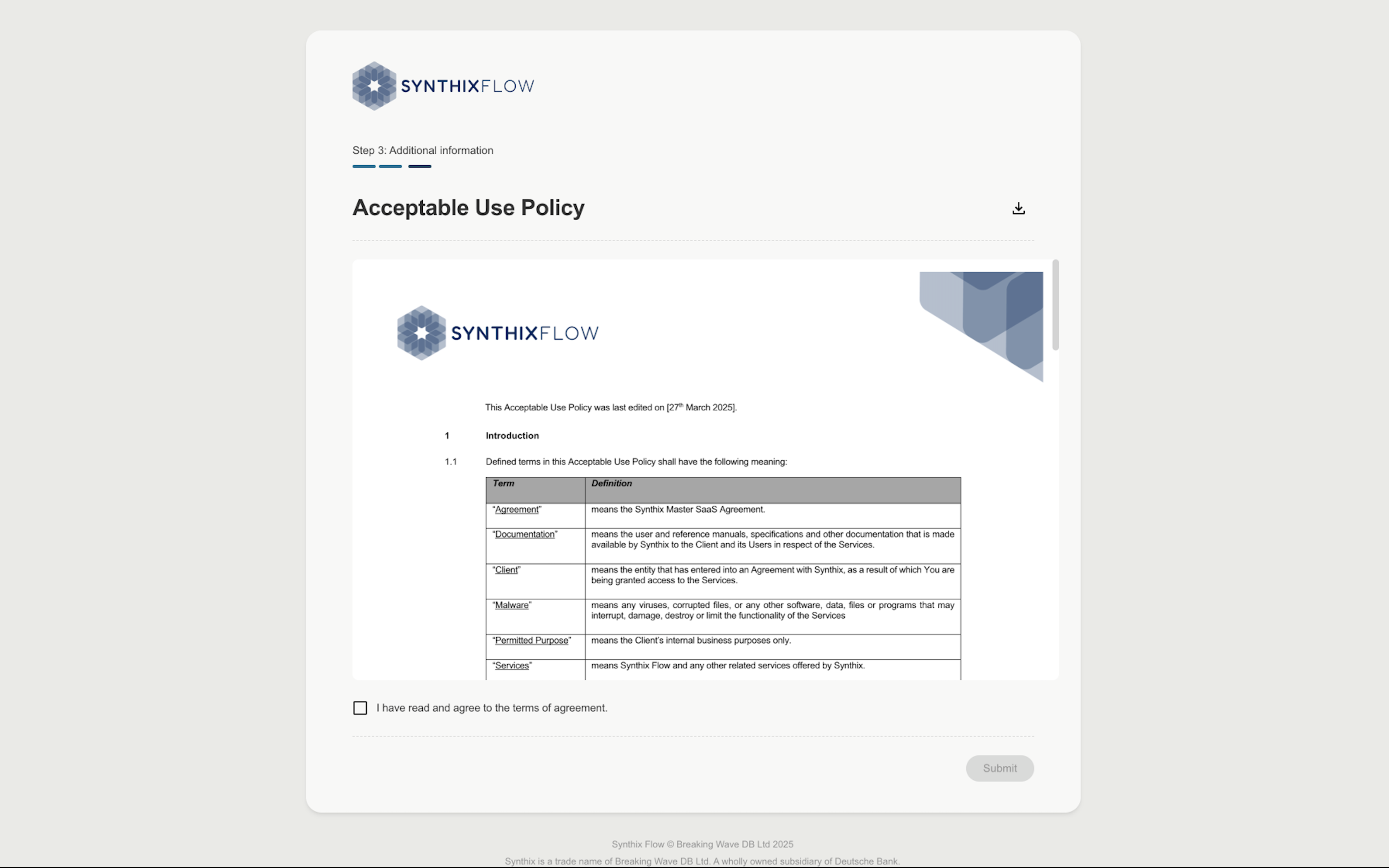
Accepting usage policy
Finally, you will be asked to accept the usage policy to access the Synthix Flow platform.
These policy can also be downloaded for your reference.
When you have completed your registration
That’s it. We check the details you have provided against the onboarding form. 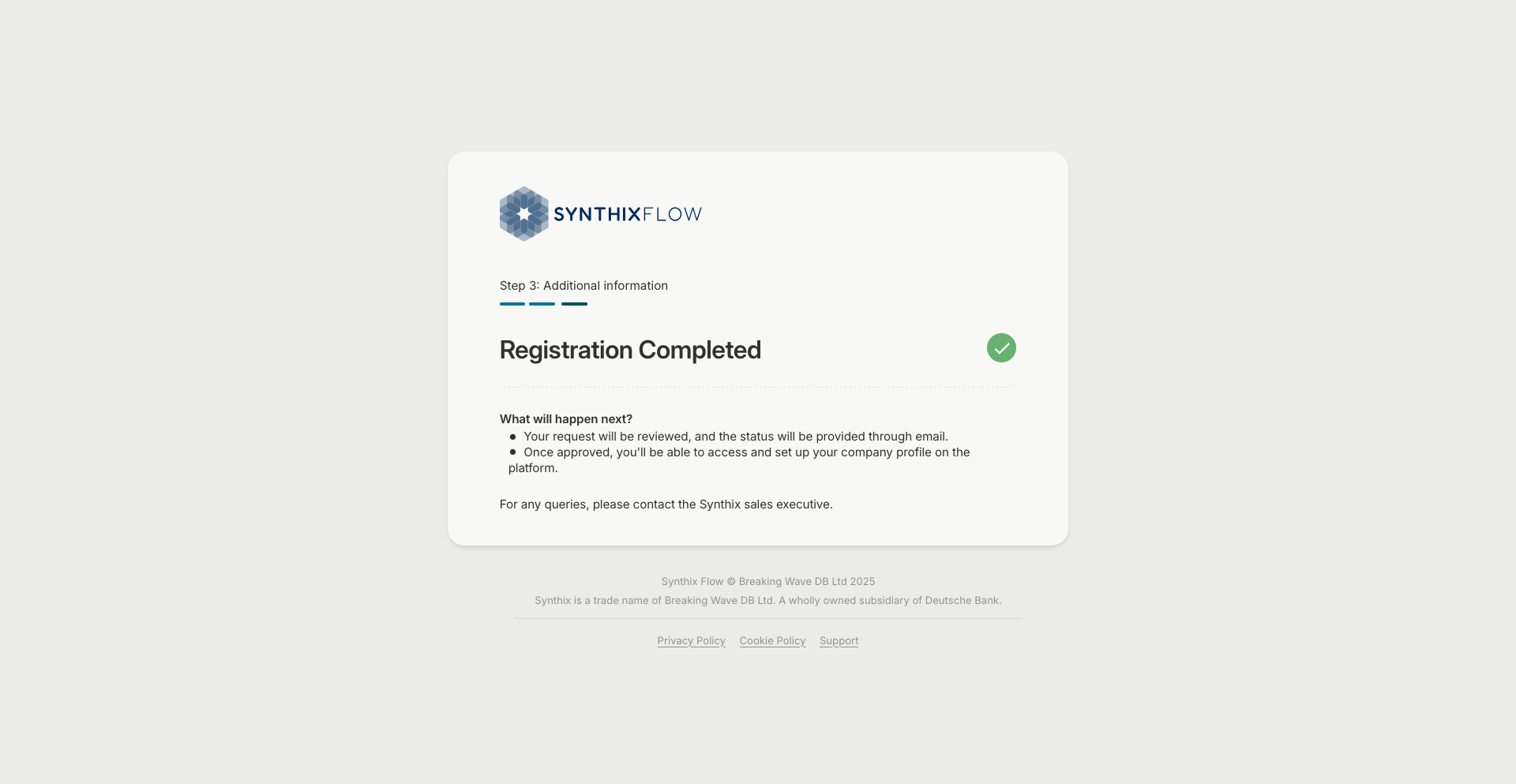
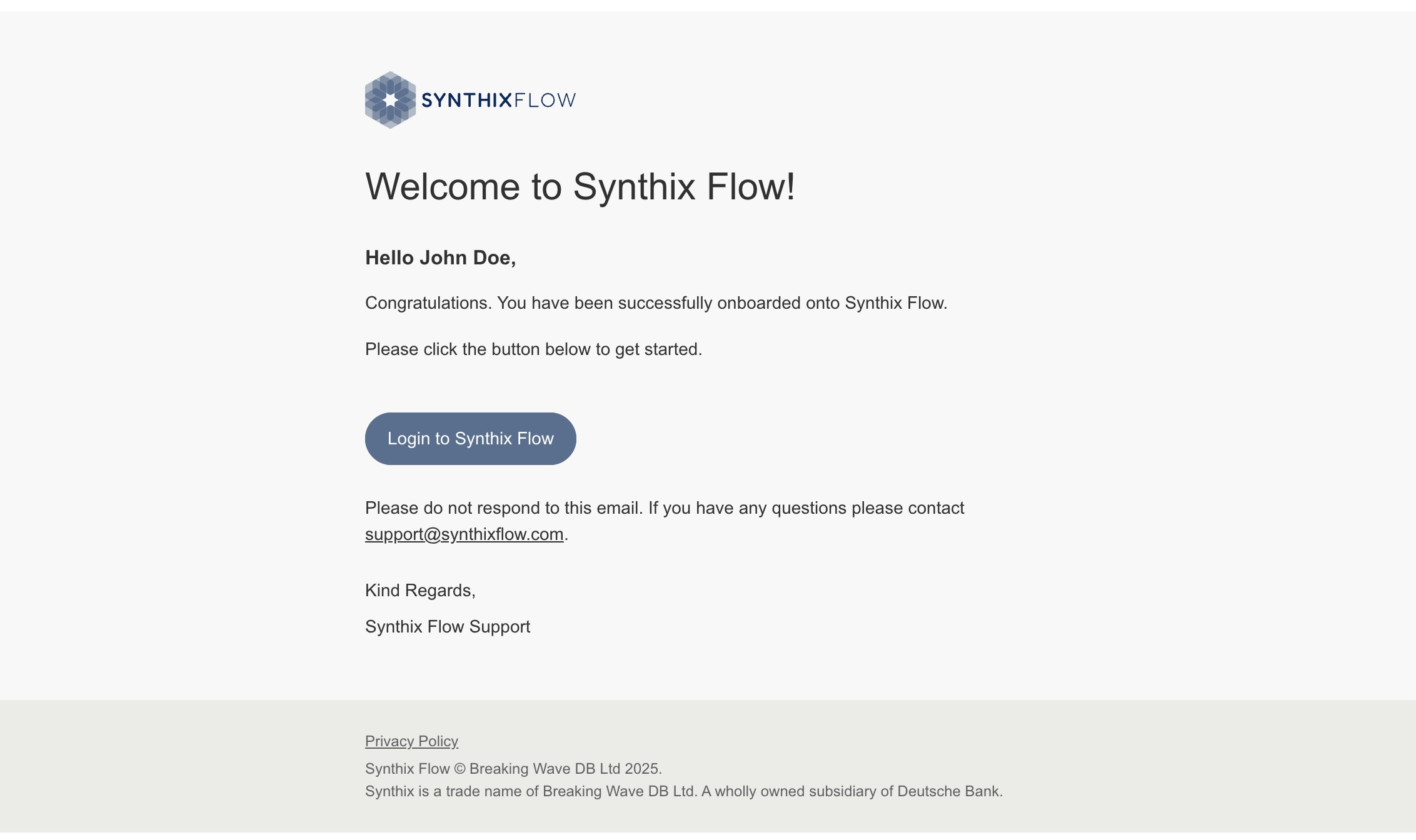
Welcome email
When the Synthix team completes it's review your client account will be set up and you will receive a welcome email.
PAU 2 will also receive an invitation email to onboard themselves to your account.