

Appearance
Upload a File
Import data into Synthix Flow by uploading a file through the Ingestions page.
Steps
1. Click Upload file in the top-right corner of the Ingestions page.
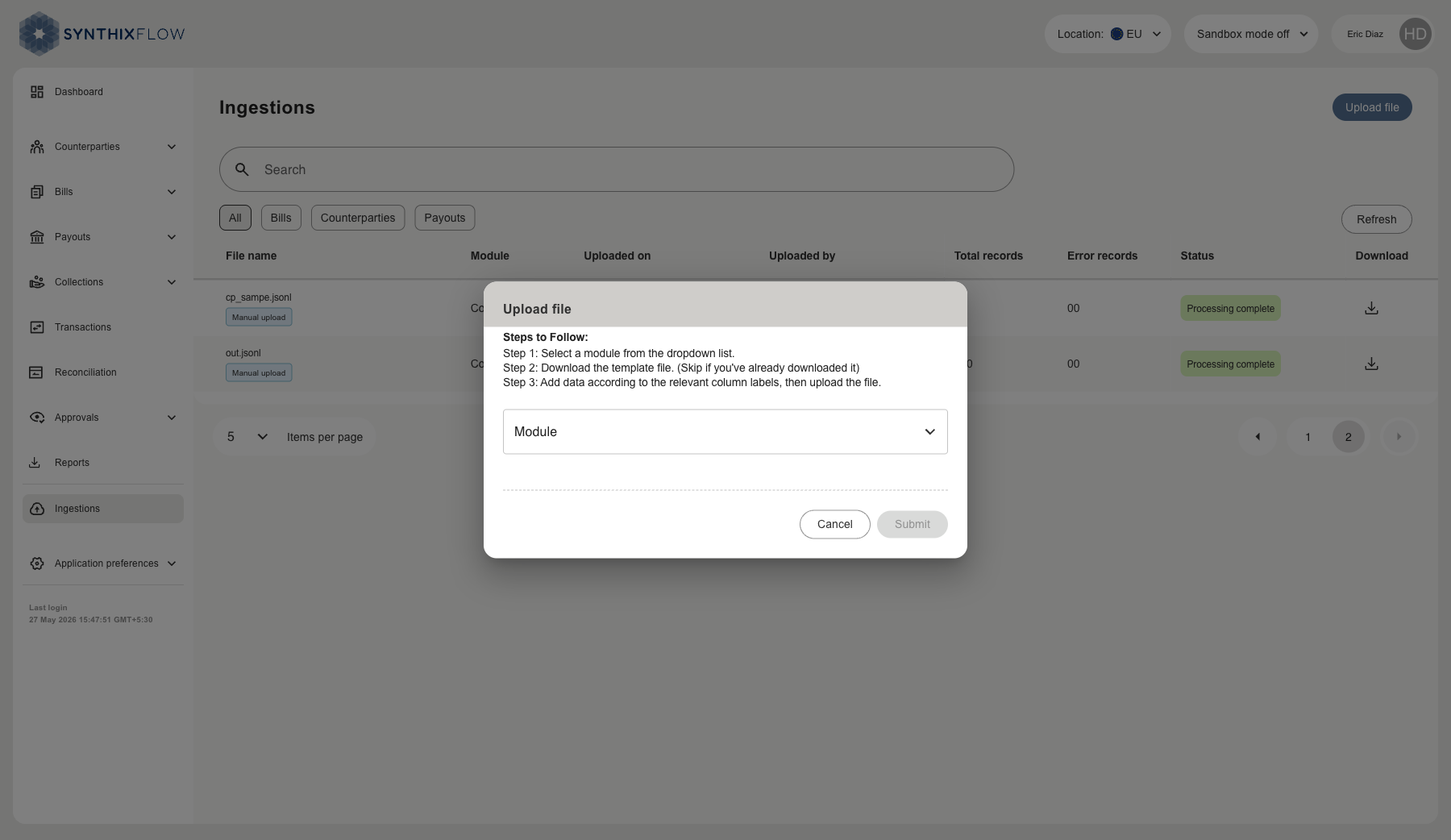
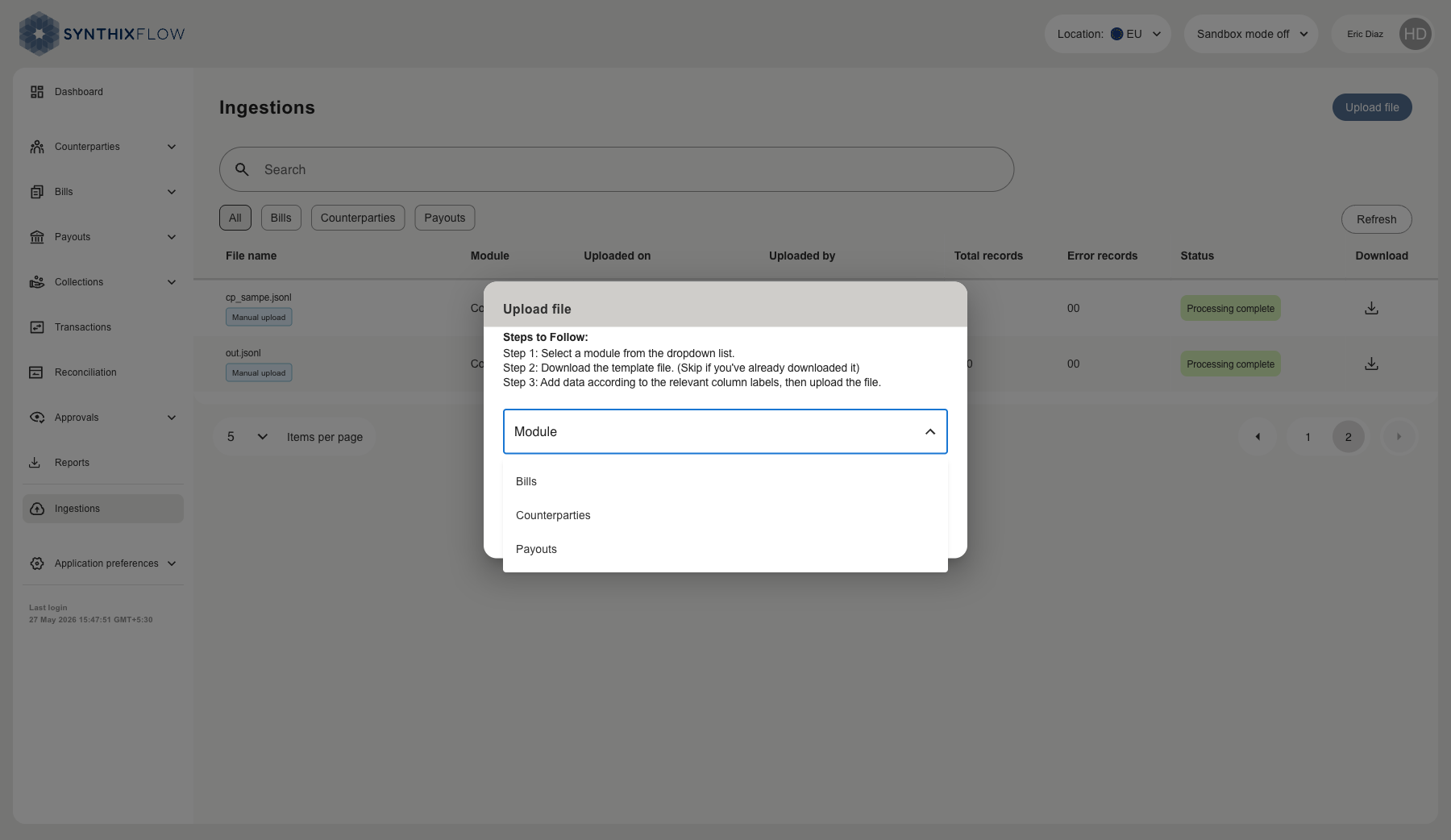
2. Select the data type from the Module dropdown — Bills, Counterparties, or Payouts.
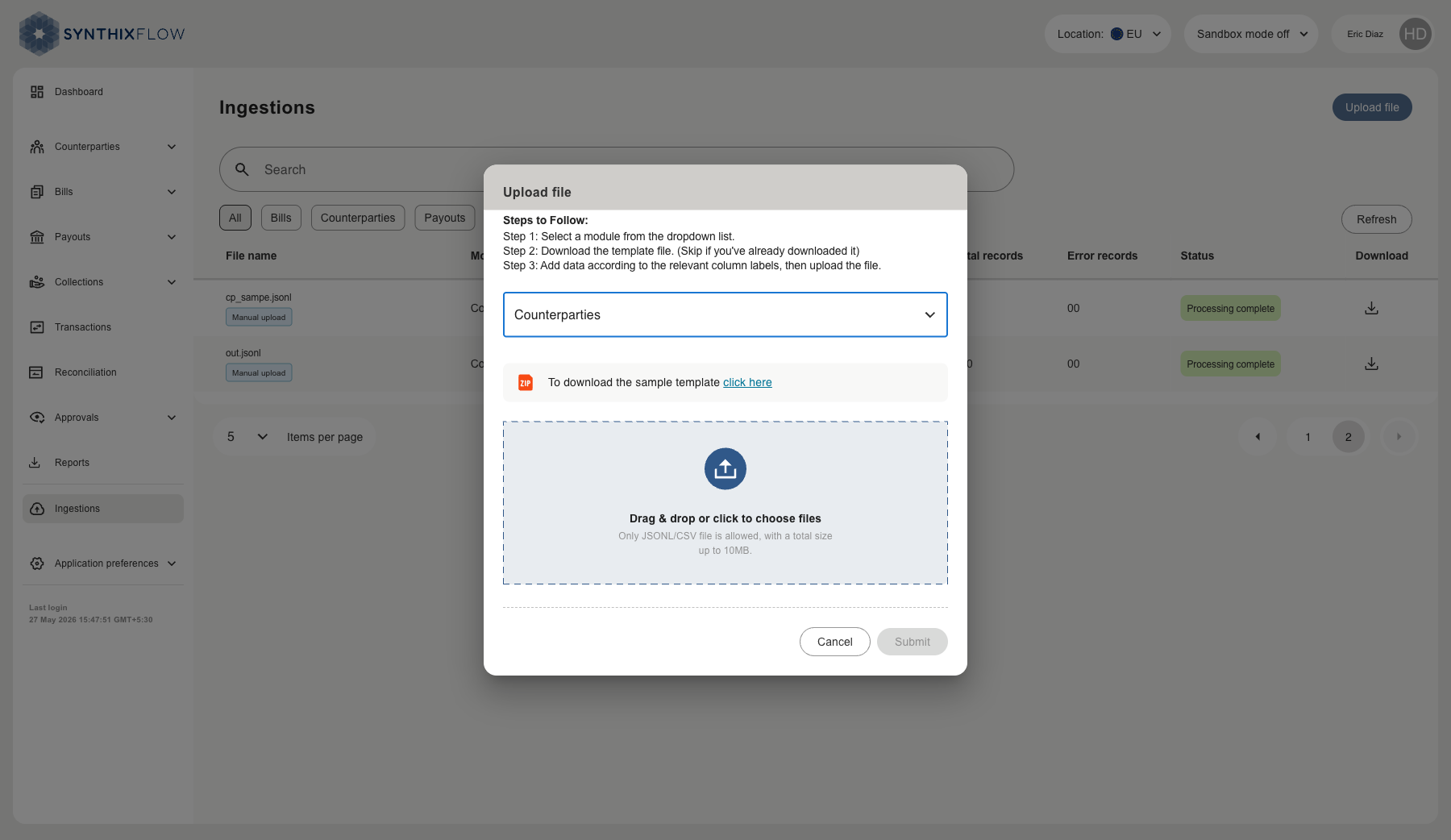
3. Attach your file by dragging and dropping it into the upload area, or clicking to browse your files. Only JSONL and CSV files are accepted, with a maximum size of 10 MB.
4. Click Submit. The file appears in the Ingestions list with status Processing. Once complete, the status updates to Processing complete.
File Templates
Each module has a downloadable sample template available in the upload dialog. Click click here next to the ZIP icon after selecting a module. Use the template to ensure your data is formatted correctly before uploading.