Appearance
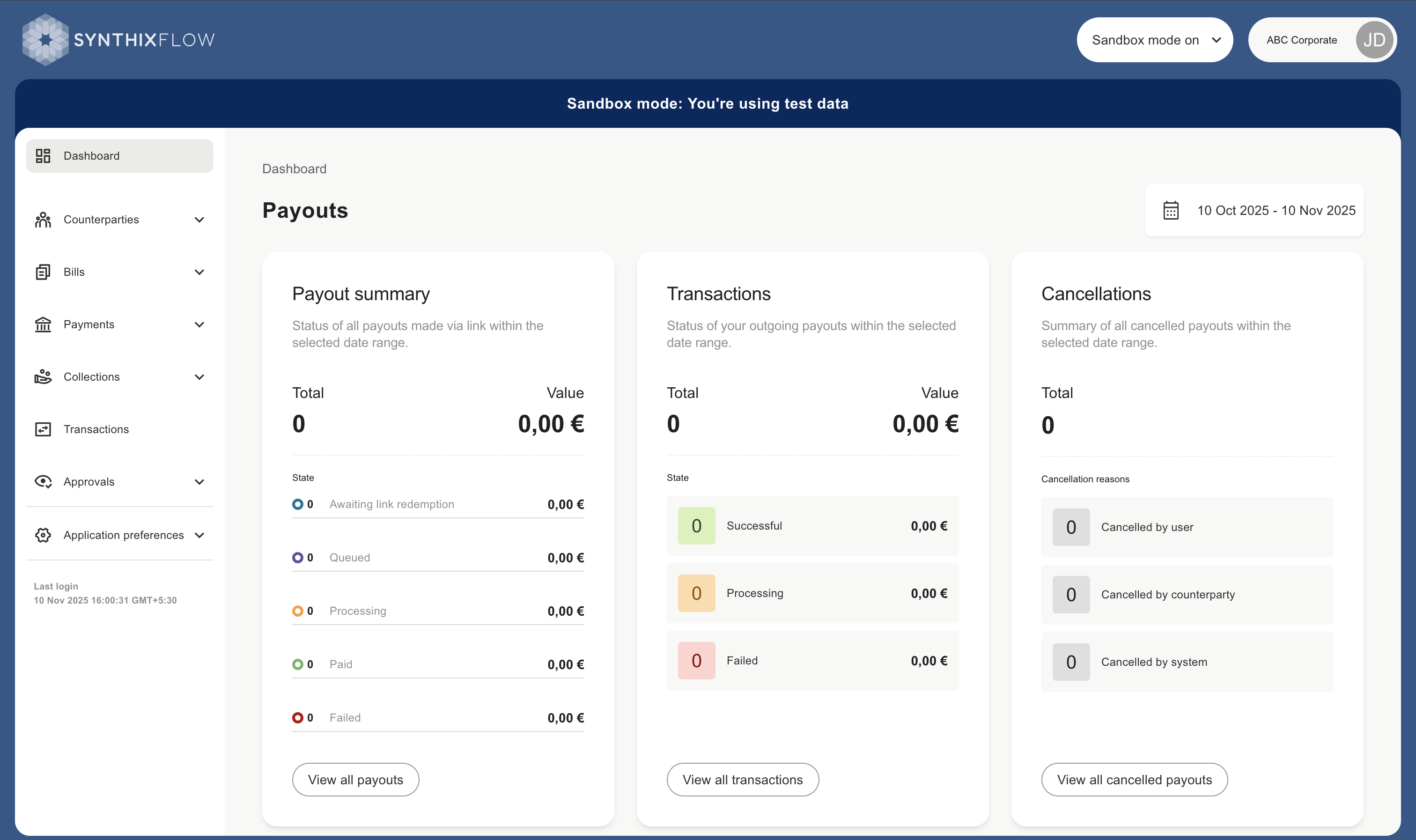
Sandbox mode
Sandbox mode lets you explore the platform’s features without connecting your actual accounts. It comes preloaded with sample data and allows you to test API integrations.
In Sandbox mode you can simulate payments. These payments are not connected to your real bank accounts. They are purely for test purposes.
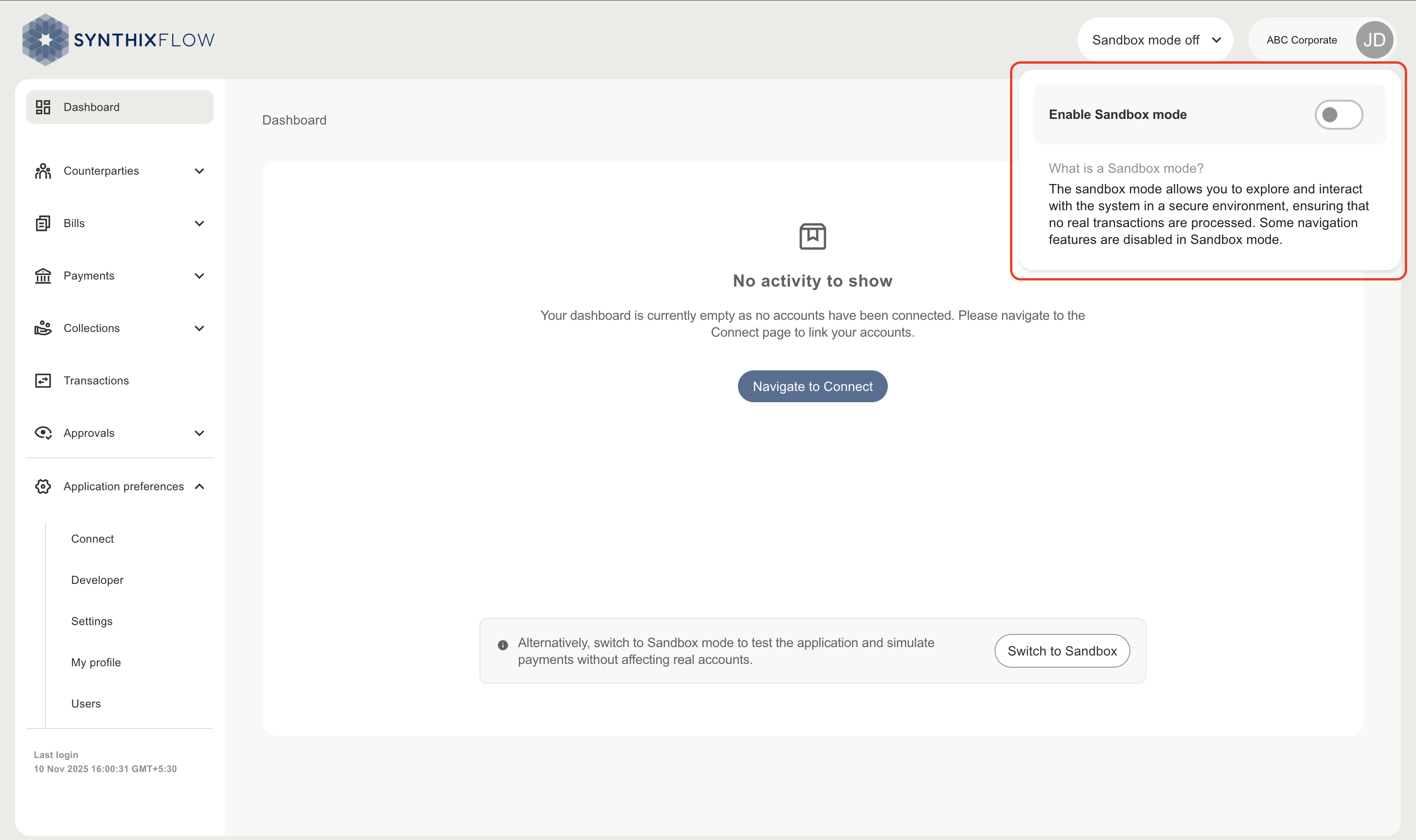
Switching to Sandbox mode
Use the Enable Sandbox mode toggle, on the right hand side top corner, to switch between sandbox mode and live mode.
Use Sandbox mode
Sandbox mode is to be used to test and get acquainted with the features available on Synthix Flow. This mode can be used, as well in the future, when new features are introduced to the platform.
Sandbox mode can be used to simulate product features using sample data:
- Manage API authentication credentials
- Dashboards
- Create counterparties
- Mandate based recurring and adhoc collection
- Bills Management via API
- Create direct payments and payouts
- Collections via Link
- Transaction summary
- Maker Checker (4-eye approval)
Sandbox mode is limited to above feature and thus excludes features like User management, Mandate management, accessing Counterparty portal and establishing Connect to your Bank and/or Trusted partners.