Appearance
Invoices
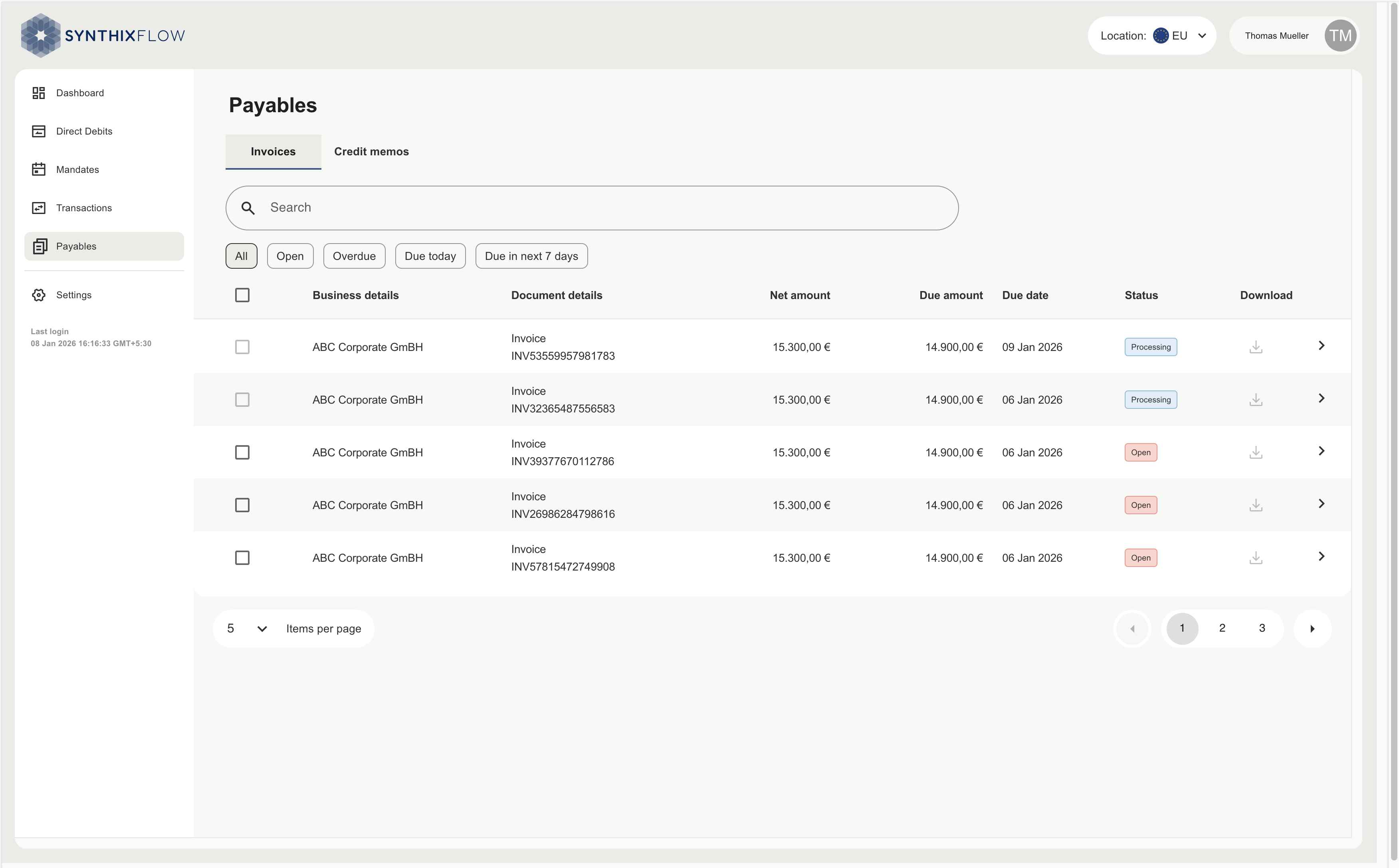
The Invoices tab under Payables provides a consolidated view of all outstanding invoices from your client. This section helps you monitor due amounts, track payment status, and download invoice documents for reference.
Invoice information
| Column | Description |
|---|---|
| Business details | Business entity name of the counterparty. |
| Document details | Information regarding the invoice (e.g., INV167580527253). |
| Net amount | Total invoice amount (e.g., 2,583.20 €). |
| Open amount | Remaining unpaid amount (e.g., 1,245.10 €). |
| Due date | Due date of the invoice to be paid (e.g., 03 Jan 2026). |
| Status | Current state of the invoice payment. |
| Download | Icon to download the invoice related document. |
Invoice details
Details related to the invoice will be visible by clicking the ">" button at the end of each row.
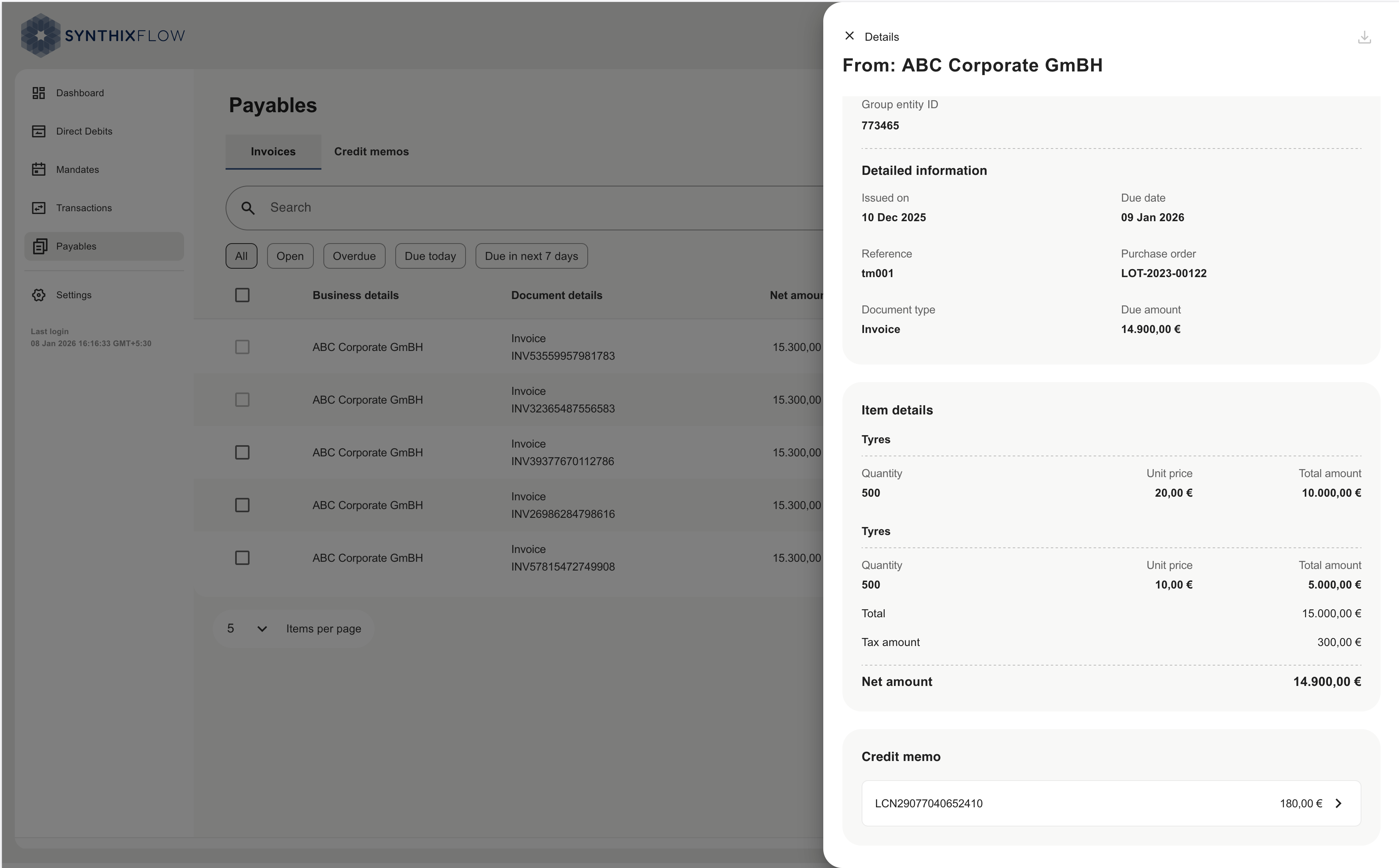
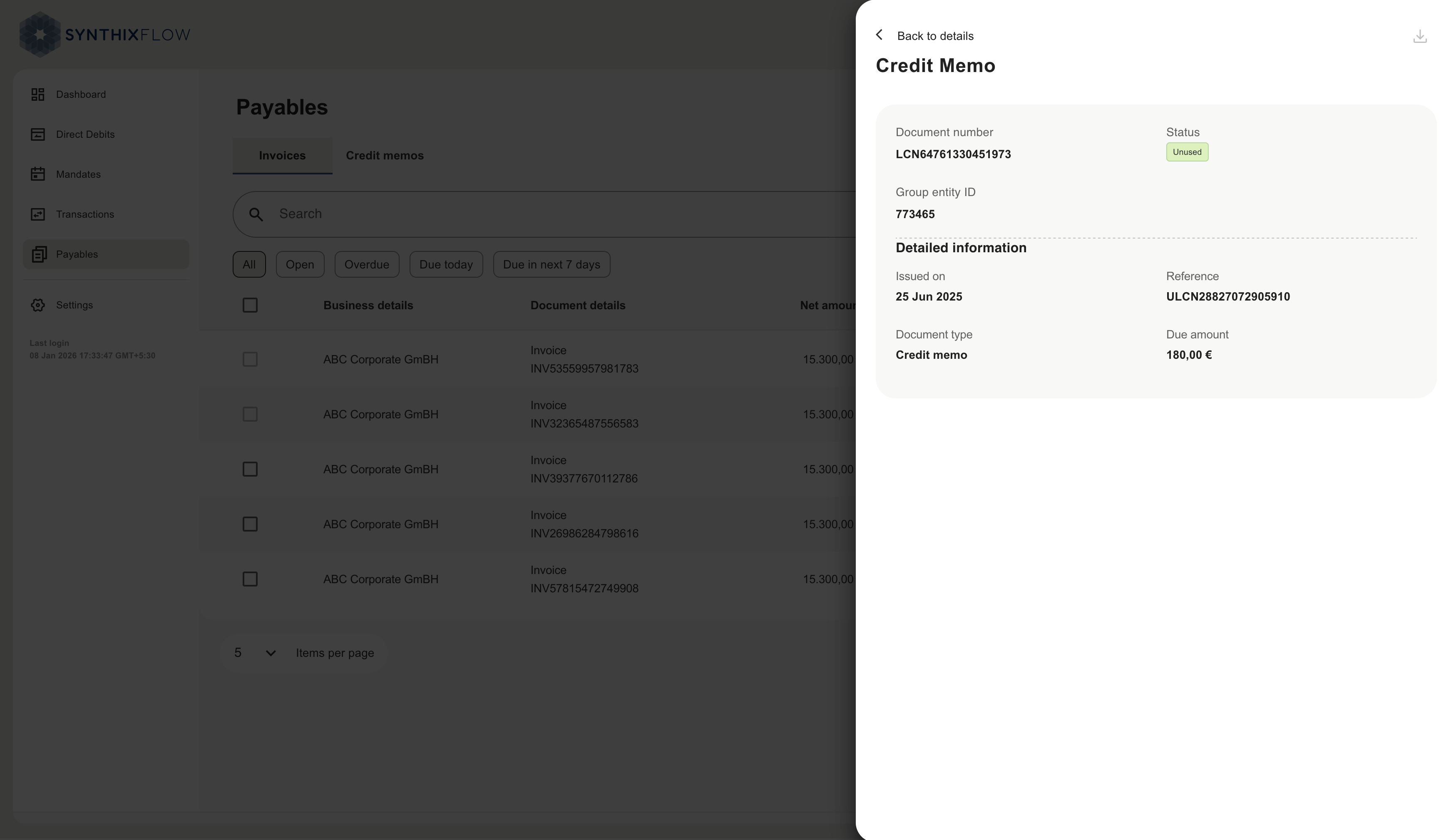
Linked credit memo details will be visible by clicking the "> at the botton of the page.