Appearance
Transactions
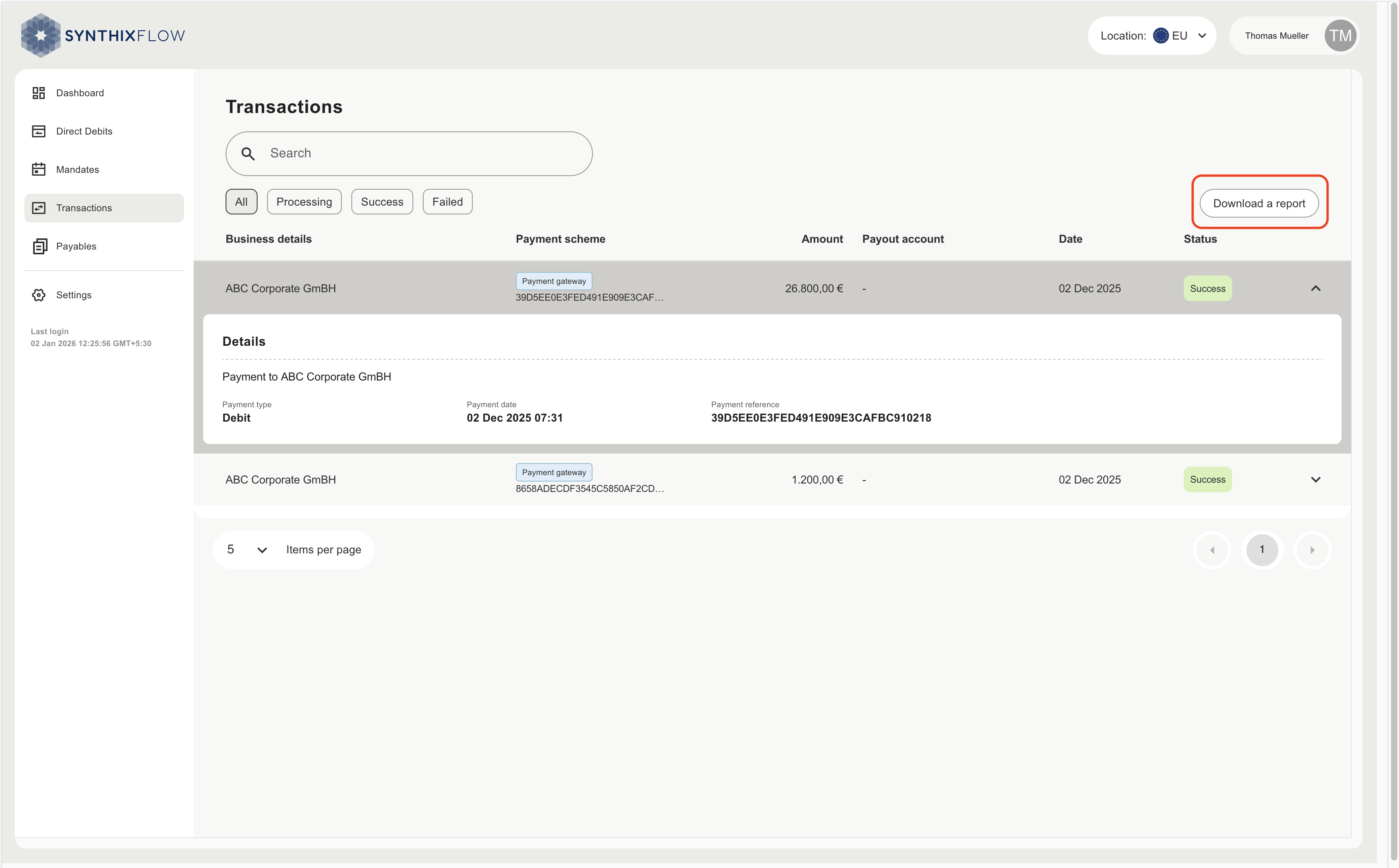
This section shows a complete record of all transactions initiated from Synthix Flow:
Within these you can search for specific transactions, or filter by transactions status.
| Status | Description |
|---|---|
| All | Displays all transactions regardless of their status. |
| Processing | Shows transactions that are currently in progress and not yet completed. |
| Success | Lists transactions that have been successfully processed and completed. |
| Failed | Displays transactions that could not be completed due to errors or issues. |
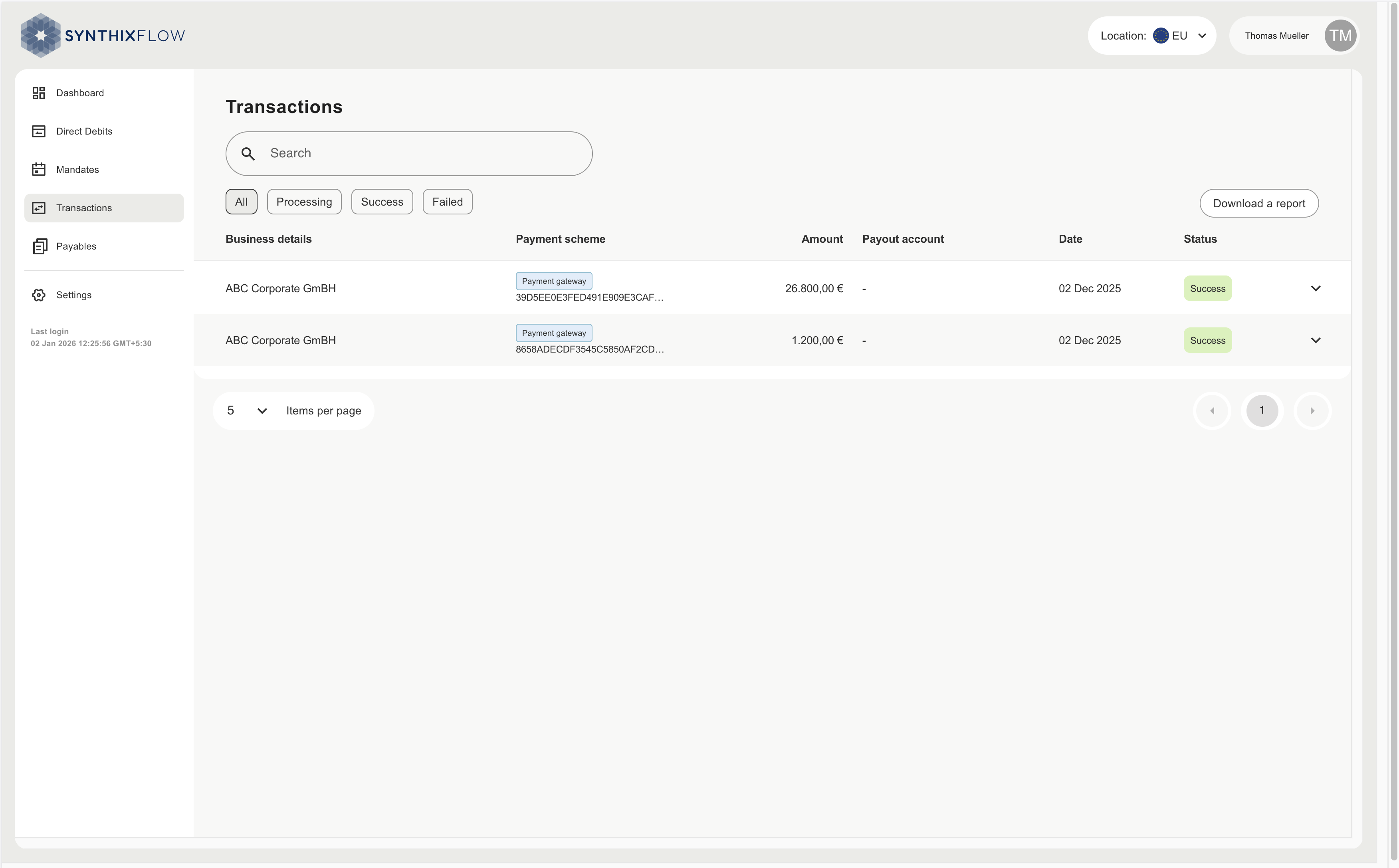
Click the down arrow button to get details of the transaction.
Download Reports
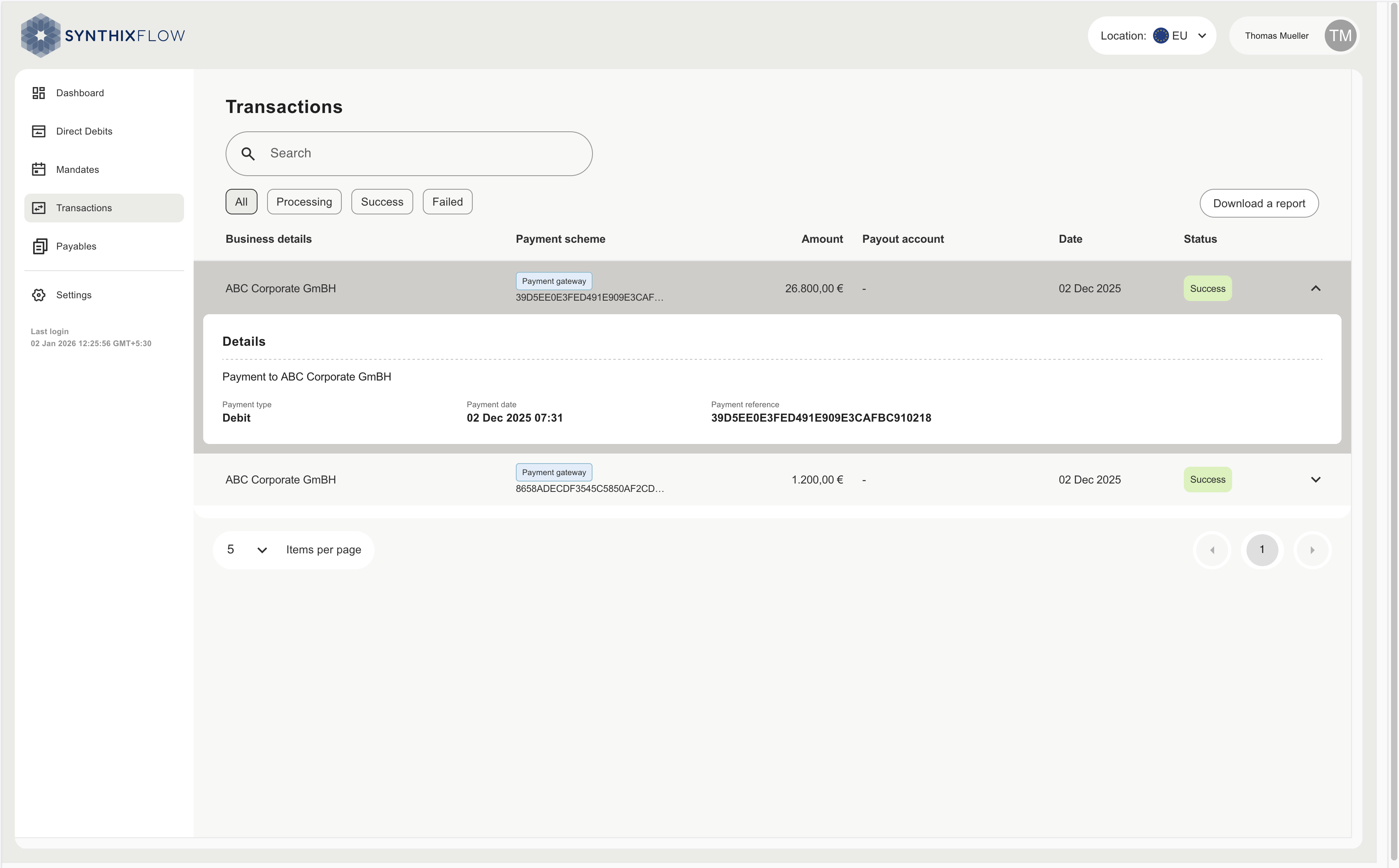
From the tabs you can download detailed reports of your transactions. Once you have set the filters click ‘Download a report’, where you can specify the date range and choose your download format.
- Export transaction data for analysis, reporting or compliance
- Filter by date range, status or transaction type
- Use reports to support forecasting, reconciliation or stakeholder updates